
Jira Copy Project Plugin
Create new Jira projects by copying existing ones that have known good configurations. Save hours that would otherwise be spent configuring project workflows, roles, and notification schemes. Clone issues, attachments, components, versions, and subtasks with a few clicks.
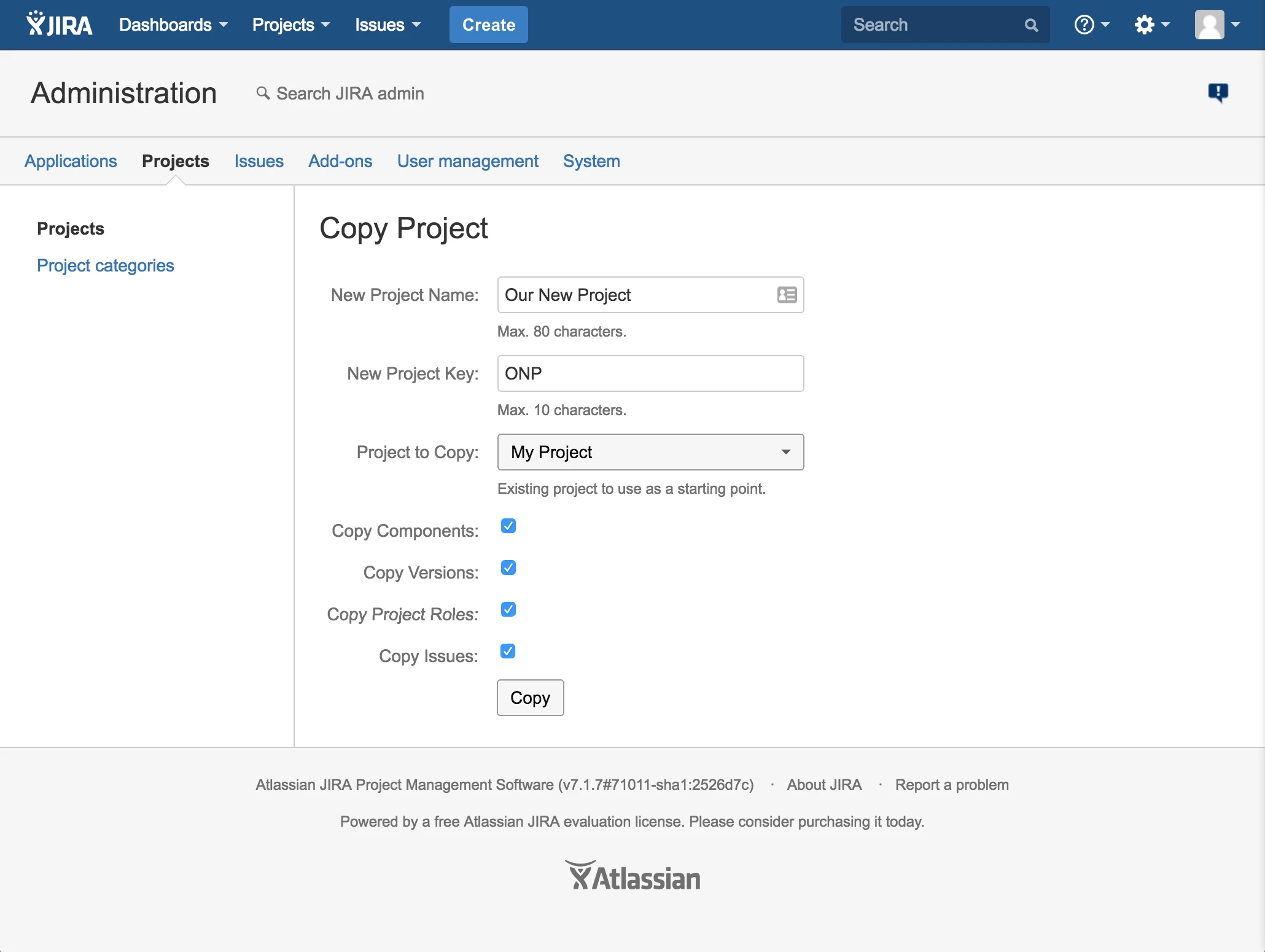
Using the Jira Copy Project Plugin
- Log in to Jira as an Administrator (any user with the System Admin permission).
-
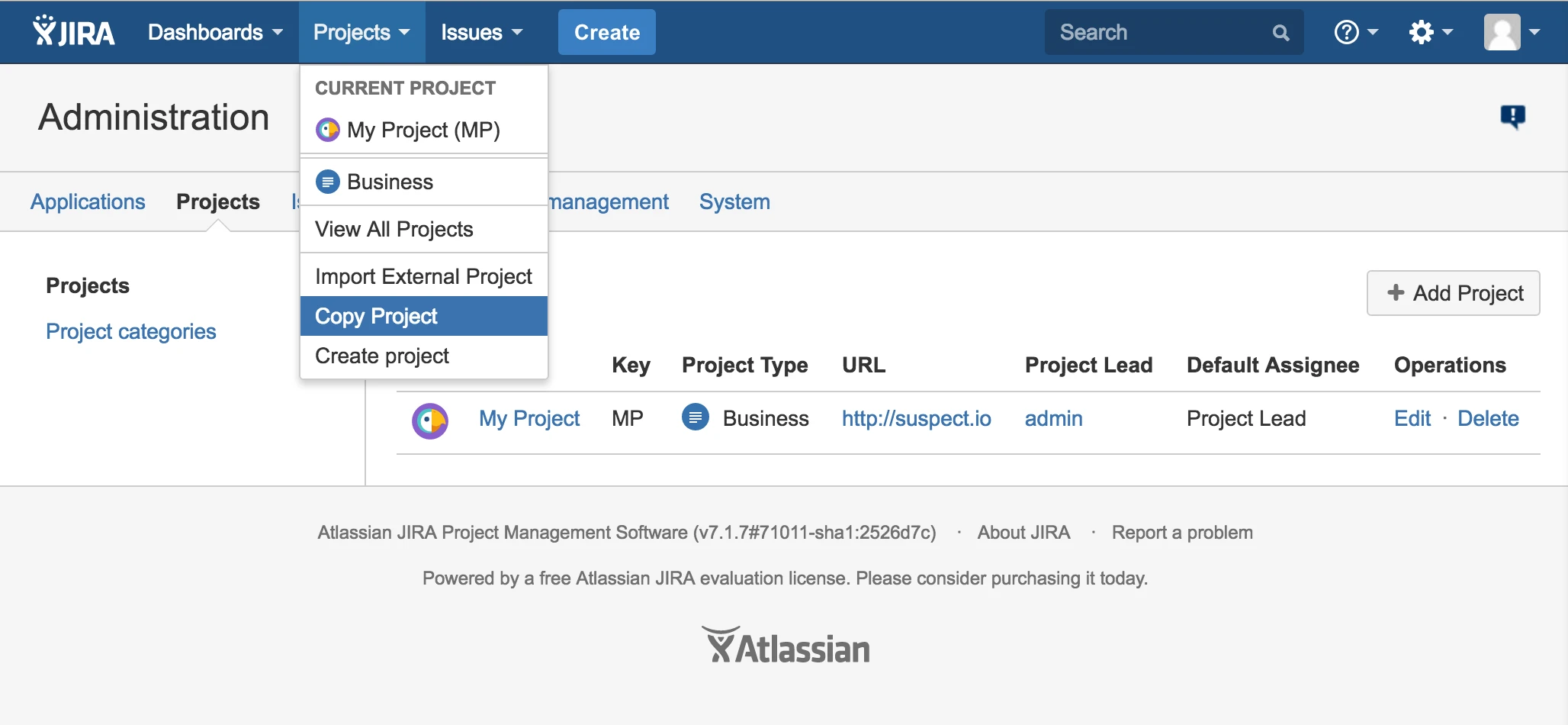
Click the "Projects" menu and then "Copy Project".
-
Fill out the form with your new project name, project key, and the existing project to copy.
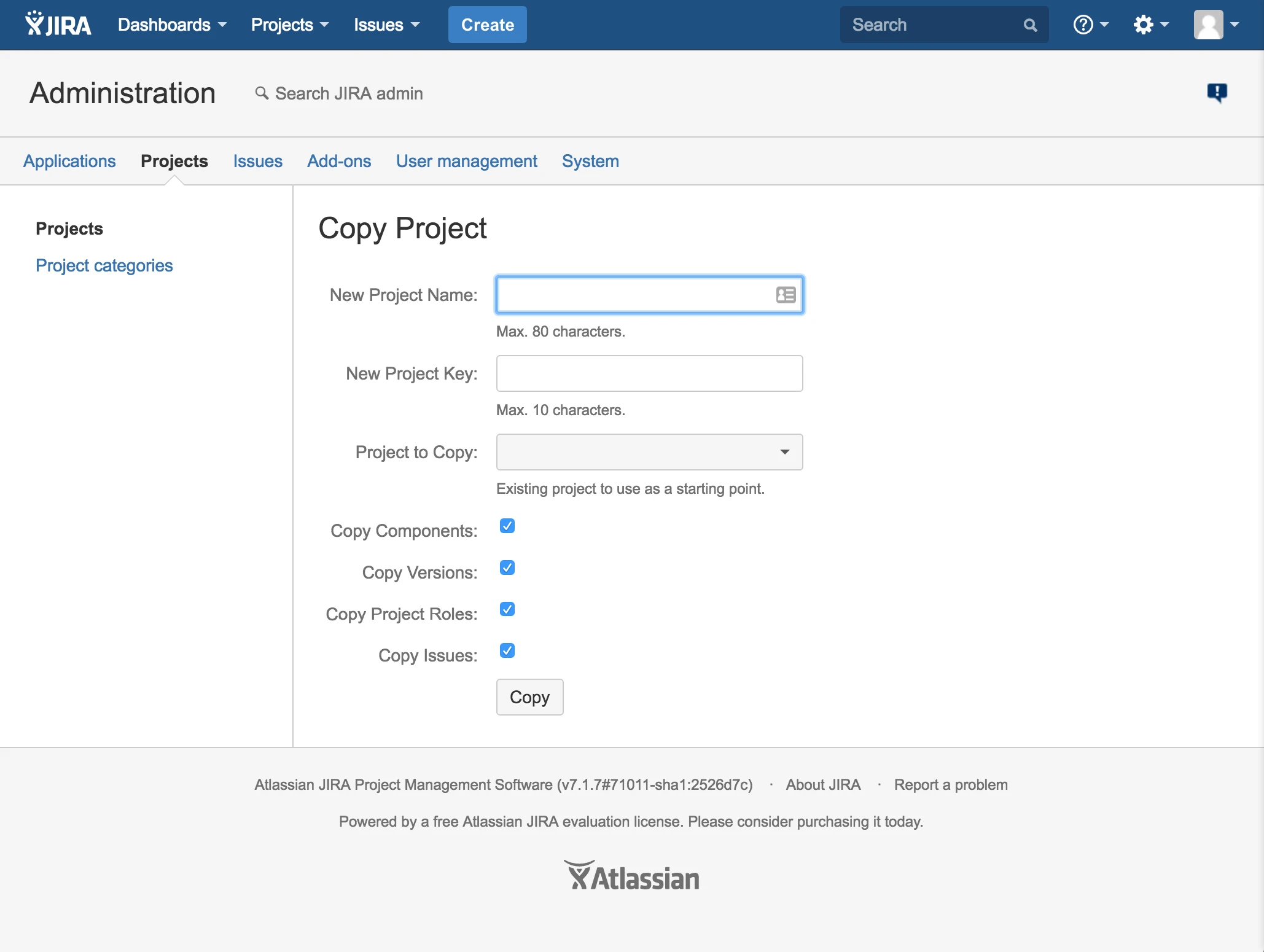
- Click the "Copy" button. Copying your project may take a few moments.
- You will be redirected to your newly created project.
Security & Privacy
This Jira plugin does not store, track, or share your data. If you have a security question or concern, please send a message to support@lane.technology.
Support Requests
Please send a message to support@lane.technology if you require assistance.